How to play Dusk Duel
Dusk Duel is an original two-player fighting game that runs in the browser. Nothing to install, no account: one of you creates a room, the other opens the link, both press Ready, and the match starts. This page covers the room, the controls, every move, and what to do when something is off.
- Name and fighter
- Create a room
- Share the link
- Both press Ready
- Best of three rounds
1. Start a match
If you are inviting
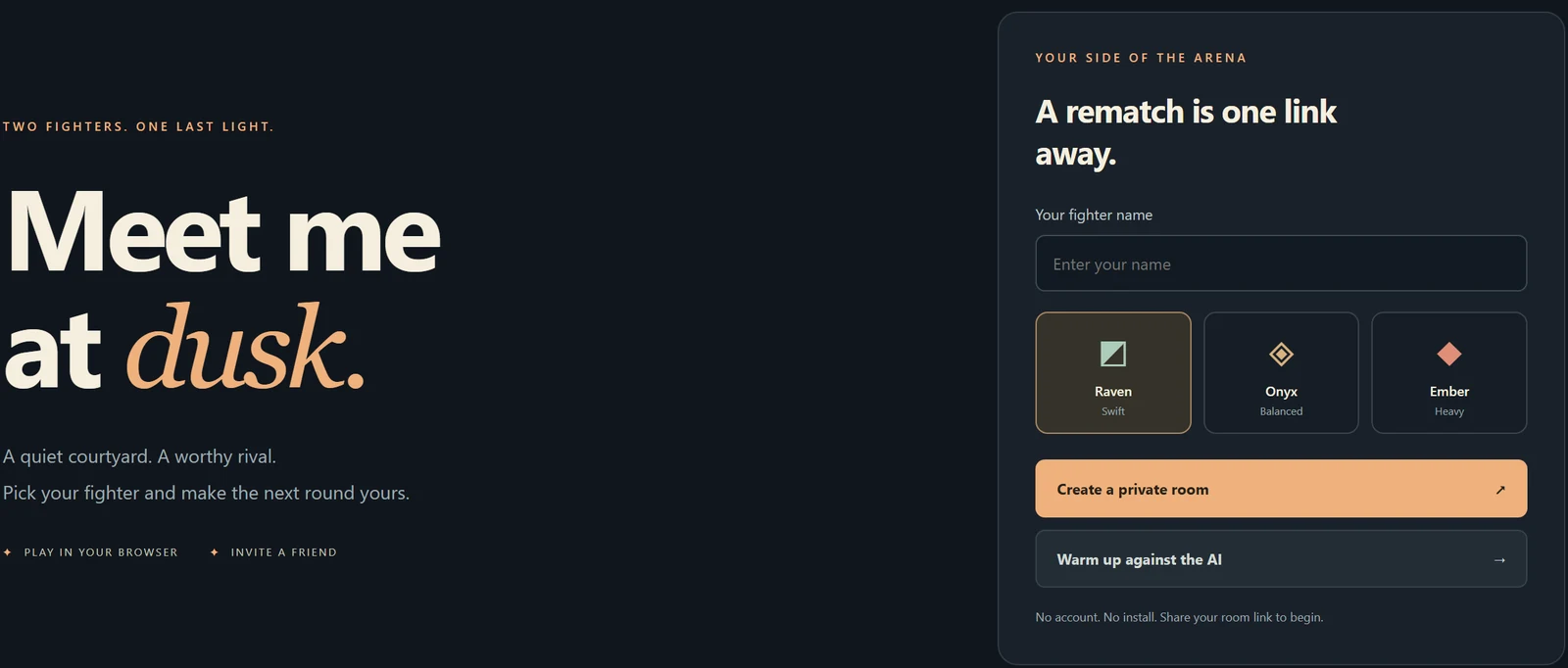
- Type a fighter name. It is shown to your opponent and nowhere else.
- Pick a fighter: Raven is swift, Onyx is balanced, Ember is heavy. They share the same moves; the difference is speed, reach and weight.
- Press Create a private room. Copy the invitation link and send it over any chat.
- The link works for 15 minutes and can be claimed once. If it expires or your friend cannot get in, create a new room.
If you were invited
- Open the link in your own browser or on your own device. Two players cannot share one browser: each needs its own session.
- Type a name, pick a fighter, and press Ready. The match starts a moment after both of you are ready.
A match is best of three rounds of 60 seconds; the first fighter to win two rounds takes it. After the match, a rematch is one press away in the same room.
2. Controls

| Action | Key | Notes |
|---|---|---|
| Move | A D | Arrow keys work too (← → move, ↑ jump, ↓ guard). |
| Jump | W | Jump over shadow waves; escape a throw. |
| Guard | S | Reduces damage. Hold it for counters. |
| Punch | J | Quick. Chains into combos. |
| Kick | K | Longer reach, slower. |
| Dash | L | Dash through an attack. |
| Sweep | U | Costs 20 energy. Knocks the opponent down. |
| Hip throw | I | Costs 25 energy. Beats guard; only at very close range. |
| Special | Space | Costs 75 energy. Sends a shadow wave across the arena. |
- Change the keys. Open Controls & sound above the arena (also in fullscreen). Click a primary or alternate key and press its replacement; Escape cancels. Duplicate keys and browser shortcuts are refused. Each action keeps one required primary key; alternate keys can be cleared. Restore default keys resets everything. Settings are saved in this browser only.
- Gamepad. Standard controllers are supported; press a button after the page loads.
- Touch. On phones, on-screen buttons appear under the arena, including dedicated Counter, Sweep and Throw buttons. They stay available in fullscreen.
- Focus. If your keys type into the page instead of the game, click or tap the arena once. Keyboard input is released while the settings dialog is open or the page loses focus.
3. The moves
Basics
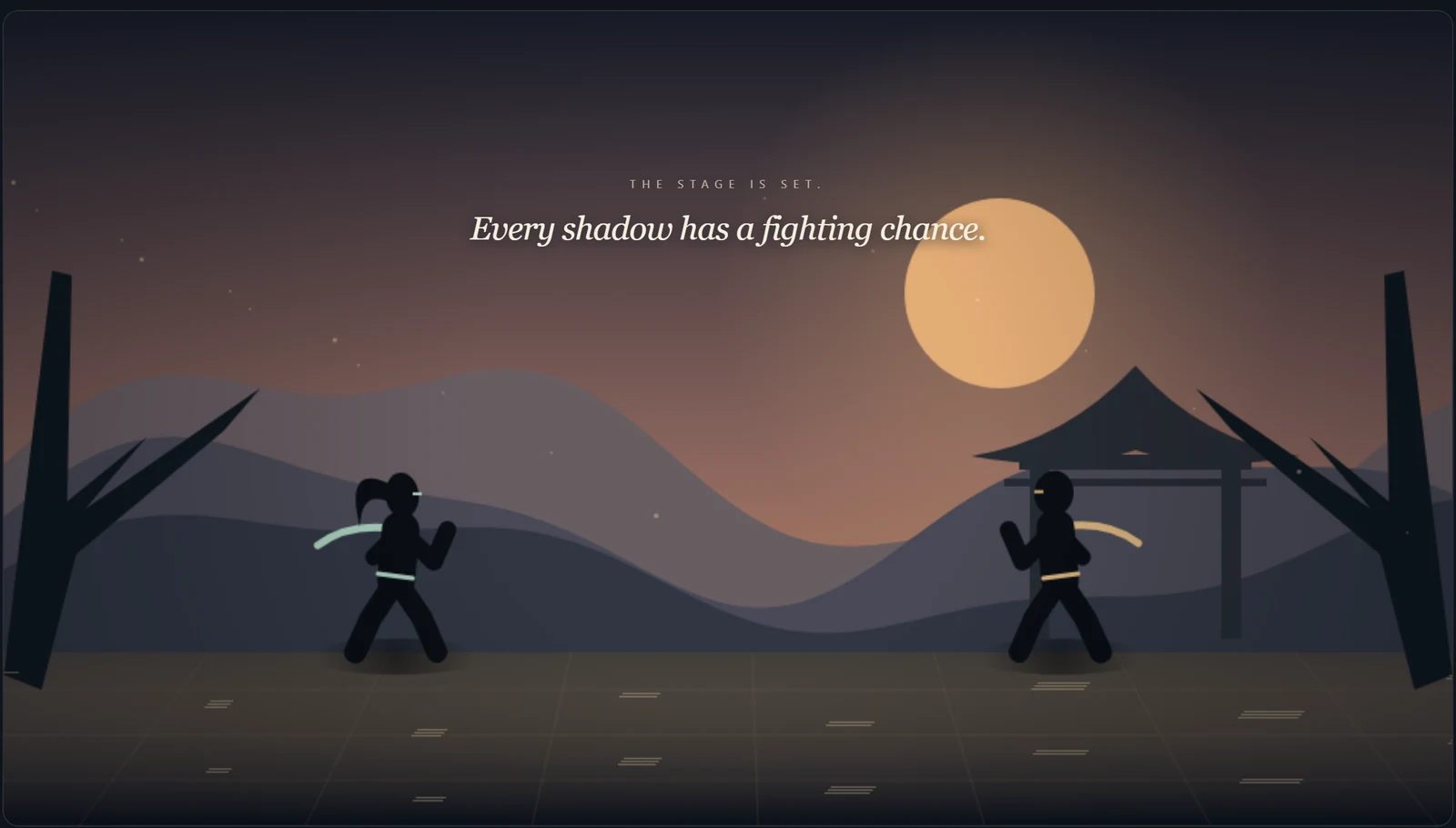
- Move close and mix quick punches with longer kicks. Guard reduces incoming damage. Dash through an attack, or jump over a shadow wave.
- Landing hits builds energy (the pale green meter). Energy pays for sweeps, throws, counters and the special.
- Tap attack keys separately. Holding a key does not repeat the attack.
Combos
- J J J: Jab, Cross, Uppercut.
- J J K: Jab, Cross, Spinning kick.
- K J K: Kick, Hook, Spinning kick.
- A chain continues only from an attack that connected or was blocked: tap the next key as the strike lands. You may tap slightly early (the game buffers about ten frames). Missed attacks cannot chain, and three strikes is the limit.
Counters
- Hold Guard and tap Punch to counter a punch, or Guard and tap Kick to counter a kick. Each attempt costs 12 energy.
- Time it in the short window just before the matching attack lands; a successful catch retaliates by itself. A wrong read or a miss leaves you open.
- Counter kick also catches sweeps. Throws and shadow waves cannot be countered. Counters share a cooldown of about 0.8 seconds.
Takedowns
- Sweep (U, 20 energy) grounds the opponent; it can be guarded or counter-kicked.
- Hip throw (I, 25 energy) works only very close and beats guard; jump or interrupt it with an earlier strike to escape.
- Takedowns share a 1.5-second cooldown. A downed fighter cannot be hit and gets 0.3 seconds of protection on waking up; attacking ends that protection early.
Special
Space with 75 energy sends a shadow wave across the arena. Jump over it or dash through it; it cannot be countered.
4. Sound
Effects are synthesised in the browser: impacts, guard, counters, combos, takedowns, waves, jumps, dashes, round and match cues. There is no music and nothing is downloaded. Use Sound on/off, the volume slider and Preview sound in Controls & sound; the choice survives rematches and reloads. Audio starts only after your first click or key press, and a blocked or unsupported audio device never stops the game.
5. Connection
- Inputs travel directly between the two browsers over WebRTC. When that is not possible, the game falls back to a relay through the server; the status at the top of the page shows Connecting until either path is up.
- Both players are predicted locally and corrected as inputs arrive, so a poor connection shows as small snaps rather than pauses. Wi-Fi or a cable is noticeably better than mobile data.
- If the moves are updated while a room is open, Ready refuses with a message: refresh the page and ready up again.
6. When something is off
The link says it has expired or was already claimed
Invitations last 15 minutes and admit one browser. Create a new room and send the new link.
We are both in the room but nothing starts
Both fighters must press Ready, and both browsers must be connected (the dot at the top). If one of you refreshed, press Ready again.
My keys type into the page
Click or tap the arena to give it focus. Close the settings dialog if it is open.
It feels laggy
Check the connection status, move to Wi-Fi or a cable, and close other video calls or downloads. The relay fallback is slower than a direct connection.
No sound
Press a key or click first; browsers only start audio after a gesture. Then check Sound on/off and the volume in Controls & sound.
Can we play on one computer?
No. Each player needs a separate browser session, so use two devices or two different browsers on the same machine.
7. What is kept
Nothing personal: no account, no uploads, no tracking. Your fighter name lasts for the room; key bindings and sound preferences are stored in your browser only and are never sent to your opponent or the server. The about & privacy page has the details.